
















































































































































































































































































































FOR THE FIRST TIME IN TURKMENISTAN: AUTOMATED PROCUREMENT SERVICE FOR BUSINESS

Author: Team 📈ALSAT

Ashgabat, Turkmenistan – January 30, 2026

FOR THE FIRST TIME IN TURKMENISTAN: AUTOMATED PROCUREMENT SERVICE FOR BUSINESS

Ashgabat, Turkmenistan – January 30, 2026

The domestic B2B platform 📈ALSAT has launched a Request for Quotation feature with automatic product matching. Developed by a Turkmen team, this digital service offers companies a new procurement format: a single product list, automatic comparison with the catalog, and notification of the selection's readiness within hours.
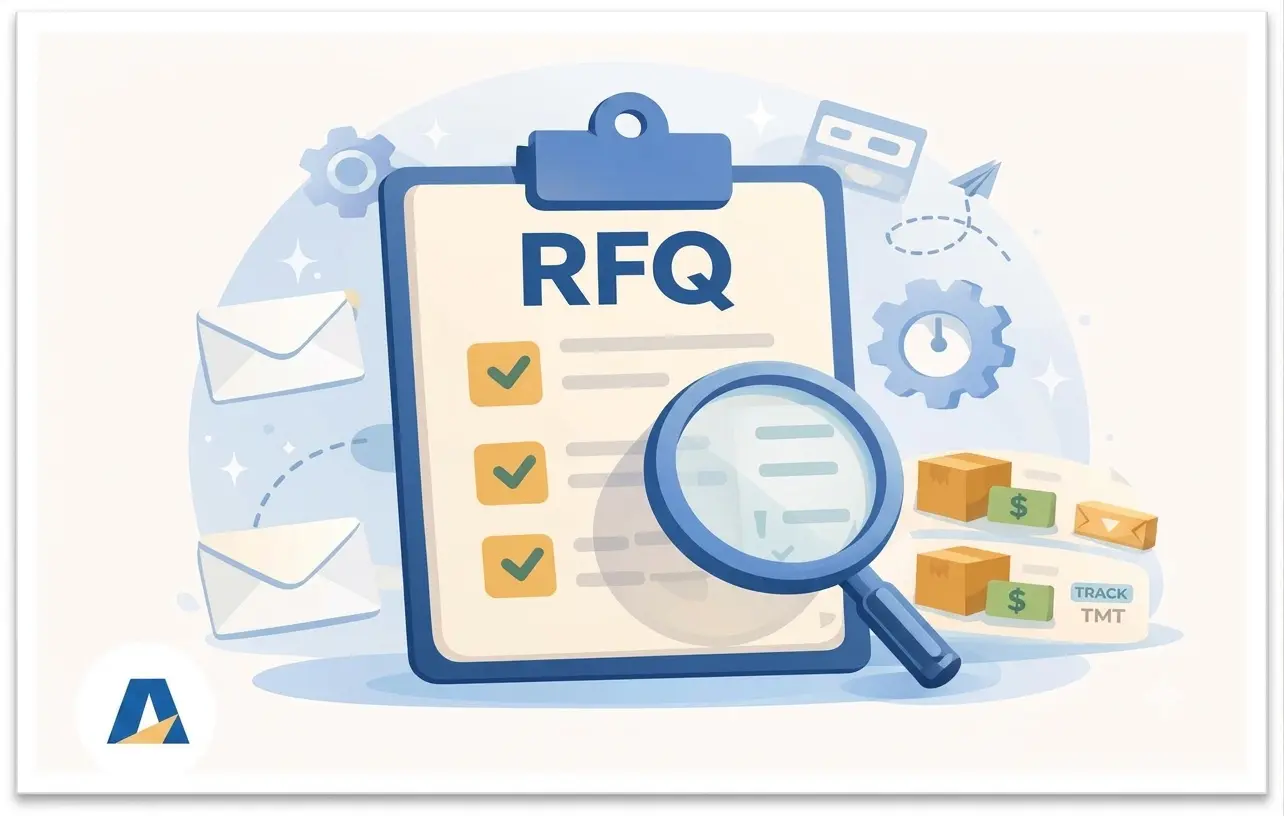
📈ALSAT (available at ALSAT.com.tm) announced the launch of an automated RFQ (Request for Quotation) service for businesses. The solution was developed by a Turkmen team based on a local B2B platform and is aimed at accelerating procurement and increasing the transparency of transactions between companies. At the launch stage, the project received support from the Union of Industrialists and Entrepreneurs of Turkmenistan (UIET), and today ALSAT continues to expand digital tools for the domestic market.

According to 📈ALSAT, the new service is the first automated RFQ service on a local B2B marketplace in Turkmenistan, where a buyer's request is matched with products available in the catalog, and the results are displayed in the user's personal account. According to the ALSAT team, this combination of "local catalog + auto-matching + account results + notifications" remains a rare practice in a broader regional context, including the CIS markets.

What is an RFQ and why is it important now?

An RFQ is a common "purchase by list" format for corporate procurement, where a company submits a single request for several items: name, parameters, quantity, delivery terms, and conditions. In the traditional process, an RFQ often devolves into a chain of calls, emails, and disjointed responses. At 📈ALSAT this stage has been digitalized: one request, one status, one result for decision-making.

How does RFQ work on 📈ALSAT
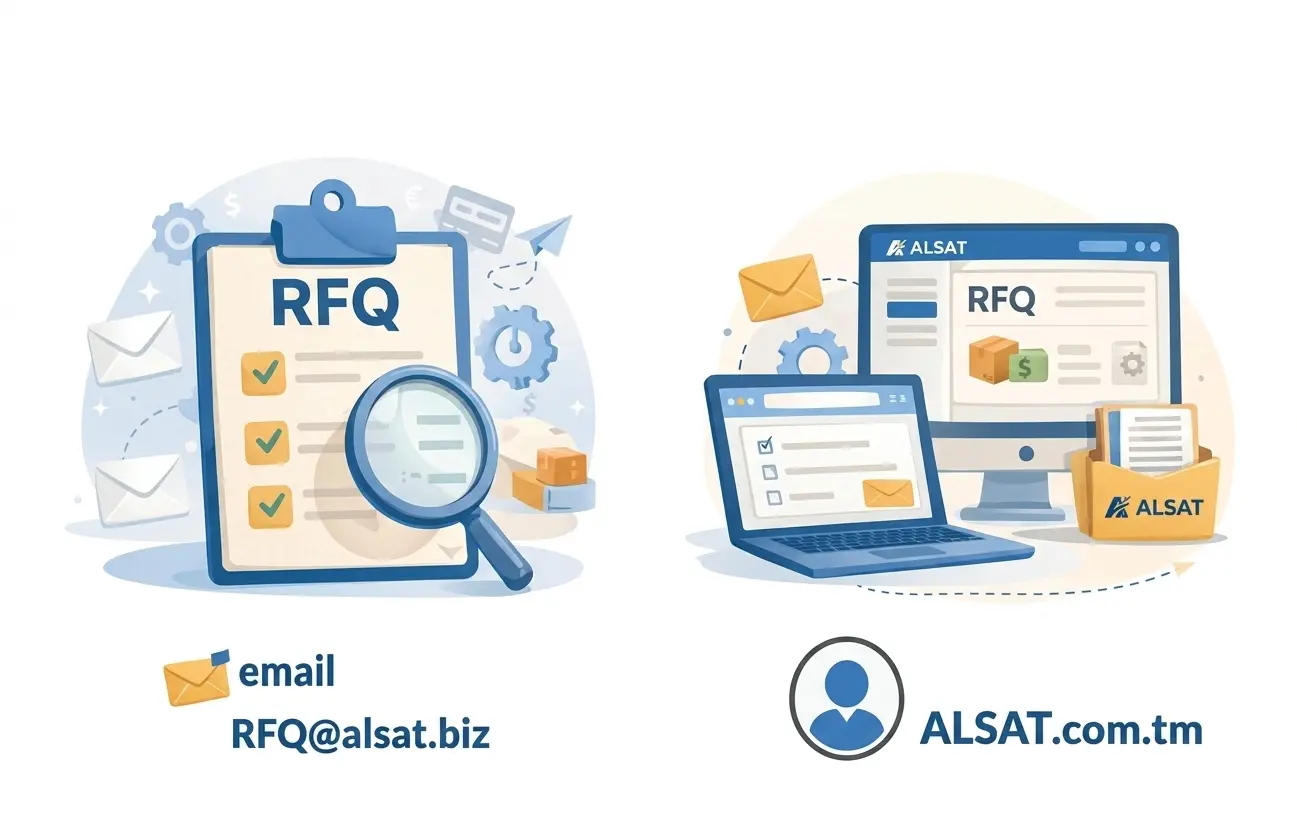
The service is available in two formats:

Via email: The user can send a request to RFQ@alsat.biz, specifying a list of Product list, quantity, requirements (brand, parameters, or acceptable alternatives), city, and deadline. The platform compares your request with a catalog of over 24,000 items and returns a selection of matching products with prices within 2 hours (during business hours).

Via your personal account on ALSAT.com.tm: by registering and adding an RFQ file to your account. Your request can be submitted as a single file, and the list is accepted in any convenient language. The system then uses list processing and intelligent matching algorithms (with elements of artificial intelligence) to compare items with products in the catalog. The results and processing statuses are saved in your account, and you receive an email notification when a response is ready.
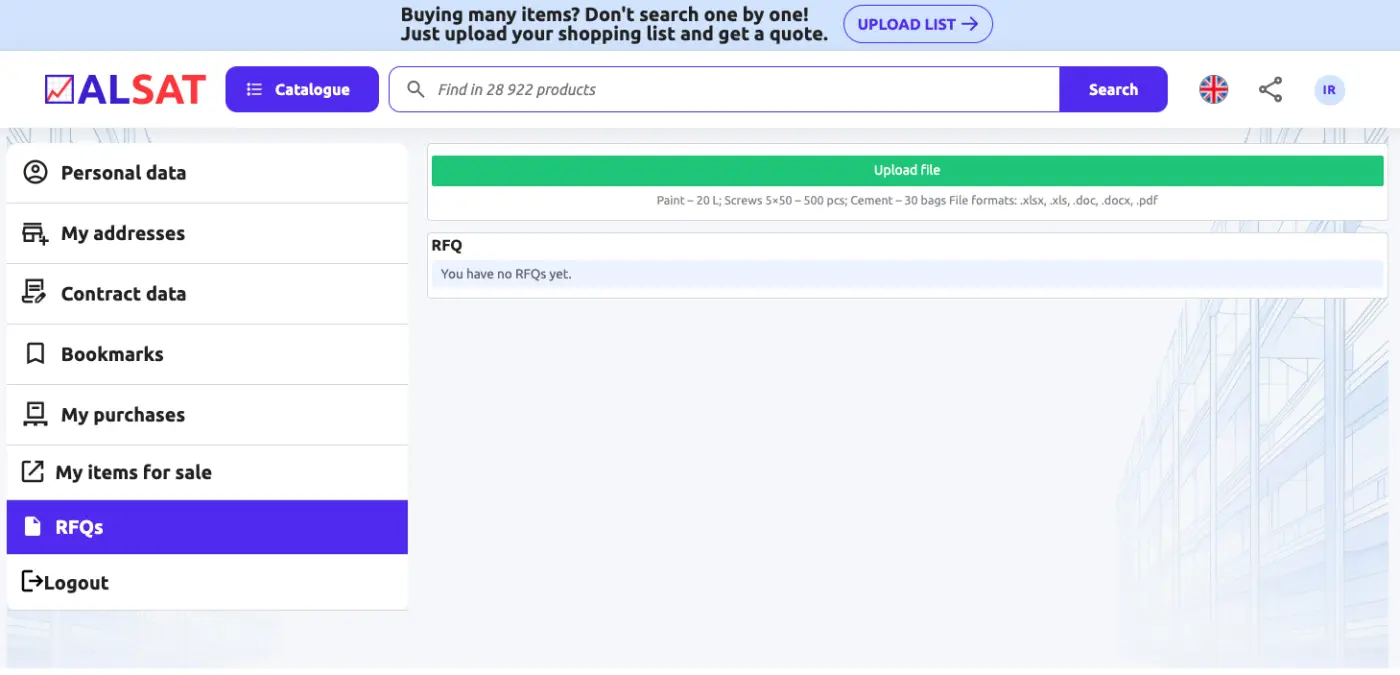
📈ALSAT recommends using the personal account for those who shop regularly: this way, requests don't get lost in correspondence, they can be easily returned to in the selection, compared options, and continue shopping according to a clear scenario.

Available platform features for buyers

The RFQ service is built on a real offer database: ALSAT already hosts **more than 25,000 product items **(the list is constantly being updated), allowing you to quickly find the right products, especially when deadlines are more important than a "perfect search."

The platform also offers mechanisms for negotiating prices and terms, and product cards allow for faster initial verification of specifications and availability.

Purchasing Practice: A Simple Technique That Often Yields Surprising Results

Most RFQs are ineffective due to one mistake: they phrase the request in such a way that suppliers respond "as it happens." To get a truly profitable and quick result, use the "two-bucket RFQ" technique:

Basket A (strict): items that must be exactly as specified (critical parameter, standard, class).

Basket B (flexible): items where alternatives are allowed, and this is clearly stated.

Why it works: The supplier stops guessing what's important to you and starts competing with their offer. As a result, you get more relevant responses and fewer clarifications.

An additional feature that many don't use: ask for three digits for each item in the RFQ – price, shipping date, price/availability lock-in period (e.g., 24 hours). This increases response discipline and allows you to compare offers without repeating requests.

Sales Practice: How to Win RFQs Even Before Negotiating

Salespeople have a "hidden lever" that's often underestimated: automatic matching depends on how well the product card "speaks the buyer's language." To be included in RFQ selections more often, use the "3-layer description" rule:

Official name/model (as in the documents).

Terms used by buyers (common synonyms in the industry).

Key parameters in one line (size, class, standard, packaging).

Effect: You improve your RFQ match without lowering the price.

The second lever for winning RFQs: respond with a "ladder of choices," not just one option:

Option 1 – currently in stock.

Option 2 – equivalent/similar.

Option 3 – to be ordered with a lead time.
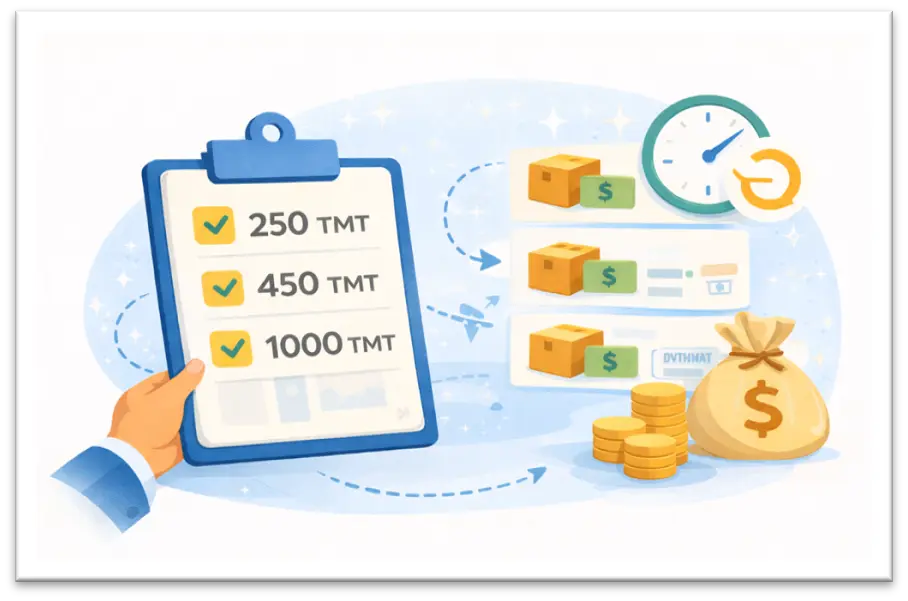
Buyers almost always choose those who offer a choice and a clear deadline, even if the price is not the lowest.

Let's return to the development of 📈ALSAT

📈ALSAT announces that the RFQ service for businesses is available absolutely free of charge (during the launch period). Companies are invited to test the tool and evaluate how the speed of procurement, transparency of approvals, and control over the entire process change when using online procurement through ALSAT.

Opportunity for domestic sellers and manufacturers

RFQ generates a flow of inquiries from companies already in the procurement phase. For sellers, this means the opportunity to sell inventory faster, expand domestic sales channels, and attract corporate clients without additional advertising costs. 📈ALSAT recommends that suppliers list their product range in advance, maintain current inventory, and respond quickly to inquiries to increase their chances of being included in the selection.

Quote: "We see growing business demand for modern and transparent procurement in Turkmenistan. RFQ transforms "purchasing by list" into a digital process: the request is compared against the catalog, the result is saved in the buyer's personal account, and the buyer receives a response within a clear timeframe. This saves time, and time in business is often more valuable than a discount,” ALSAT notes.

How to use the RFQ service

For buyers:

  1. Simply go to the website 📈 ALSAT.com.tm and click the Download List button at the top of the page

or

  1. Simply send your RFQ as an Excel file to RFQ@alsat.biz

To make their products available to buyers throughout Turkmenistan, sellers simply need to post them on 📈ALSAT.com.tm.

The launch of RFQ on the domestic platform 📈ALSAT expands digital procurement tools in Turkmenistan: companies can quickly query a list, and suppliers have a new demand channel.
Contacts for media and partners: info@alsat.biz | rfq@alsat.biz Website: https://alsat.com.tm

#Turkmenistan #ALSAT #B2BProcurement #BusinessManagement #RFQ-service #request for commercial proposal #newdevelopment

Rate this module
Why?
?
Help Center

What is 📈ALSAT?

📈ALSAT is where businesses trade goods and equipment, and yes, it's way faster than calling 20 suppliers.

📈ALSAT is a B2B online marketplace where businesses like yours buy and sell goods and equipment: from surplus and liquidation lots to regular wholesale stock and one-off assets.

🎯 Why we built it
Businesses often face two problems at the same time:
📦 Some companies have goods sitting idle (stock, equipment, materials).
⚡ Others need those same items fast without overpaying or waiting for imports.

🔗 How it works
📈ALSAT connects both sides through a transparent process where sellers list inventory, and buyers can search, compare, negotiate, and order.

🧩 Key features (for both sides)

👤 For buyers
🔎 Search and filters to find what you need fast
🤝 Price negotiation and quick order placement
🧾 RFQ support: send your request and get matched options
📦 Delivery/pickup options + support with documents (when needed)

🏷 For sellers
📸 Easy listing: photos, specs, quantity, price
📈 Sell faster by reaching real business buyers
💬 Direct enquiries and negotiation from buyers
🧹 Clear out warehouses and free up working capital

🧰 What you can sell or buy?
✅ Surplus / excess stock / liquidation lots
✅ Regular wholesale inventory
✅ Equipment, tools, spare parts, building materials, office furniture, consumables, and more

💡 Why businesses use 📈ALSAT?
💰 Sell faster and free up working capital
🧠 Buy smarter: find alternatives, compare offers, and negotiate
🧾 Less friction: clear listings, order tracking, and support with documents and delivery options (when needed)

📩 Need procurement help?
Send your RFQ to 📧rfq@alsat.biz – we match it with available listings and usually respond within two business hours.

How to Order?

How to Place an Order in 5 Simple Steps
1. Start on the Main Page
Click the "BUY SMART" button.

2. Select a Product
Click "Learn more" under the product you want.
Tip: Use filters, sorting, or the search bar to quickly find what you need.

3. Review and Check
Check the product details, select the quantity, and click "Confirm order".

4. Enter Payment and Delivery Info
Select your payment method, provide your delivery address, and click "Confirm order" once again.

5. Order Complete
Your order is now placed! Track it anytime on your Account Page or email inbox.

How to become a seller on our platform ?

How to become a seller on our platform?
Registration takes a few seconds, and adding products takes just a few minutes.
All you need to do:

1. Register on our platform.
2. Log in to your account.
3. Add your products by filling out the seller table.

In the table, you must first fill in the mandatory fields (they are highlighted in red) - these are "name", "quantity" and "current price"

The more detailed and accurate the information about your product is - including its characteristics, advantages and features, high-quality photos - the higher the likelihood that a potential buyer will be interested and make a purchase. A detailed description attracts attention and helps you stand out from competitors, increasing the chances of a successful sale.

We will take care of everything else: from advertising to finding buyers and ensuring timely payment.

Terms of sale

1. Registration and Adding Products:
The seller must register on the platform and provide accurate information about the products, including description, price, and quantity.

2. Commission:
The platform charges a commission on successful sales. The commission amount is specified in the platform's terms of use.

3. Quality Guarantee:
The seller is obliged to provide products that match the description and guarantee their quality.

4. Payment and Delivery:
The seller must ensure timely delivery of the product and proper documentation. The platform may offer payment protection if provided for by the rules.

5. Returns and Refunds:
Sellers are required to adhere to the return policy if the buyer finds defects or receives a non-conforming product. The return conditions are specified when listing the product.

6. Complaints and Disputes:
Disputes between the buyer and the seller are resolved in accordance with the rules of the platform. If necessary, the platform can act as a mediator.

7. Compliance with the law:
The seller is obliged to comply with all applicable laws regarding trade and taxation.

Returns

Return of goods and refund conditions (for buyers)

1. General Overview
At 📈ALSAT, we strive to ensure that all transactions between buyers and sellers are smooth and satisfactory. However, we understand that there may be instances where a refund is necessary. This Refund Policy outlines the conditions under which refunds are processed.

By creating an account, using our platform, or completing any transaction on 📈ALSAT, you agree to this Refund Policy. Your continued use of the platform following any modifications to this policy constitutes your acceptance of such changes.

2. Eligibility for Refunds
Refunds may be considered under the following conditions:

- The product received does not match the description provided on the platform.

- The product is defective or damaged upon delivery.

Refunds will not be granted under the following circumstances:

- The buyer changes their mind after the transaction has been completed.

- The buyer fails to follow the product usage guidelines or causes damage to the product.

- The buyer is dissatisfied with the quality but the product matches the agreed specifications.

3. Requesting a Refund
To request a refund, buyers must follow these steps:

1. Contact Us: The buyer must notify 📈ALSAT’s customer service within 7 calendar days of receiving the product via email. Please provide details, including order number, item description, and the reason for requesting a refund.

2. Submit Evidence: Buyers may be required to provide photographs or other evidence to support their refund request (e.g., images of damage or incorrect product).

3. Return of Goods: If the refund is approved, the buyer may be required to return the product to the seller. In such cases, the return shipping cost will be covered by the buyer unless agreed otherwise.

4. Refund Processing
- Refunds are typically processed within 14 business days of receiving the request and verifying the issue.

- Refunds will be issued via the original payment method (bank transfer, credit card, etc.).

- If the refund request is denied, ALSAT’s customer support will provide a detailed explanation.

5. Non-Refundable Situations
- Products that have been customized or made-to-order.

6. Dispute Resolution
If a buyer and seller cannot come to an agreement regarding a refund, 📈ALSAT will act as a mediator. Both parties must provide all relevant information to help us resolve the issue fairly.

7. Modifications
📈ALSAT reserves the right to modify or update this Refund Policy at any time. Any changes will be communicated via the platform or by email to registered users.

How can I trust the quality of bulk items?

We carefully select and verify all sellers on our platform to ensure they meet our quality standards. We ensure transparency throughout the transaction. If there are any concerns about the quality of the goods received, we have systems in place to resolve disputes efficiently.

RFQ

What is RFQ?

It’s like a smart search using a list:
✅ you have a shopping list
✅ you upload it to ALSAT
✅ ALSAT finds matching products

Step by step

1) Sign in
Log in to your account (or register).

2) RFQ page
Open the section in your account where it says RFQ.

3) Prepare your list (Excel / spreadsheet)
Your list should include:
Product name
Quantity
Details (if important: model, size, brand, color)

Example:
A4 paper — 10 packs
HDMI cable 2 m — 20 pcs
AA batteries — 50 pcs

4) Upload the file
Click Upload file → choose the file → attach and confirm.

5) Get results 🎉
After processing, ALSAT will send you matching items and prices. You choose and place an order.

6) Actions
By opening the commercial offer, you can download the result or view it directly on the website.

RFQ - View

RFQ Results Page

How to navigate

1) Check the status by color
Color helps you understand the result in 2 seconds:
🟩 Green — a matching product is found

🟨 Yellow — an alternative (a similar option)

🟥 Red — not found / product is sold out

2) Quantity also matters (red text)
If the quantity is highlighted in red, it means:
🟥 the seller does not have enough quantity.

What you can do with the results

3) Click on a product
After clicking the product, you can:
Place an order

View the product (open the product page)

Add to bookmarks (so you don’t lose it)

Welcome to Our Platform!

You need to Login or Register to access this feature.